How to Calculate Overtime in Pakistan (With Examples)
The basic rules
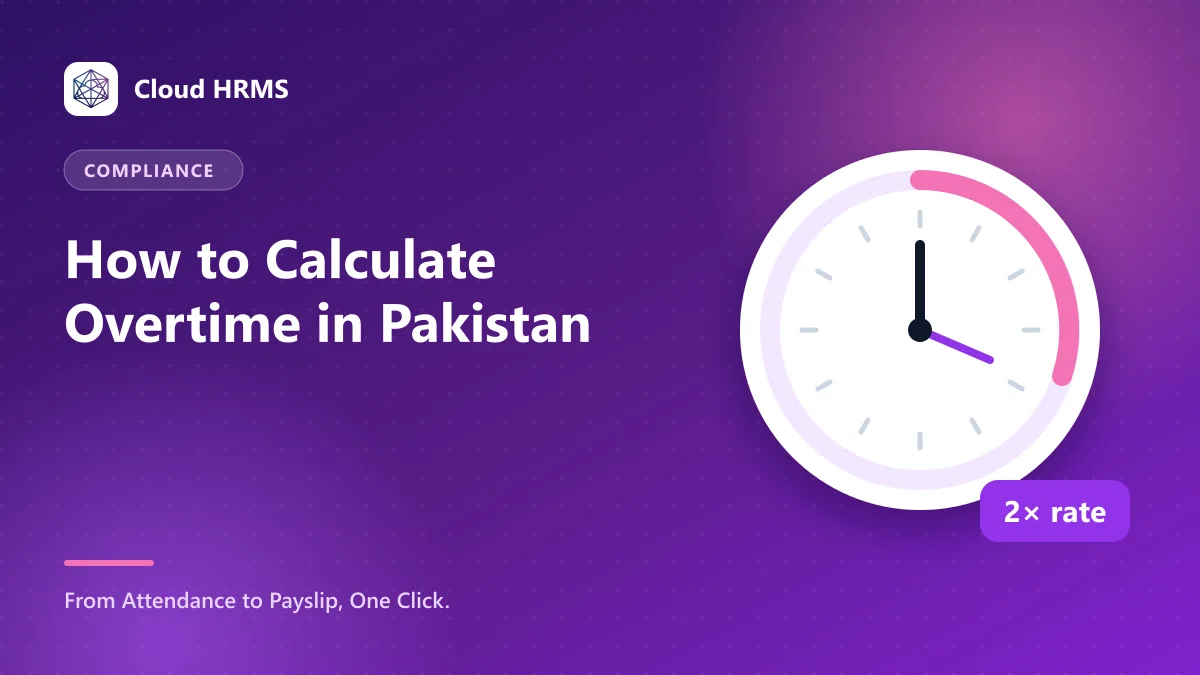
Under the Factories Act 1934 and the provincial factories laws based on it, adult factory workers generally should not work more than 9 hours a day or 48 hours a week. Hours beyond these limits are overtime, paid at twice the ordinary rate of pay.
Shops, offices and other establishments follow their own provincial laws, and many companies set overtime in their HR policy or employment contracts. Provincial rules differ, so check the law that applies to your business, or ask a labour law advisor.
Working out the hourly rate
Overtime is paid per hour, so first you need the ordinary hourly rate. Companies commonly use one of these methods. Whichever you choose, write it in your policy and use it for everyone.
Worked example
A factory worker earns Rs 52,000 a month and works 20 overtime hours this month. Using the working days method, the hourly rate is 52,000 ÷ 208 = Rs 250. At double rate, overtime is Rs 500 an hour. Overtime pay for the month = 20 × 500 = Rs 10,000.
Avoiding overtime disputes
Cloud HRMS takes in-and-out times from your attendance devices or the mobile app, applies the overtime rules you set for each shift, and adds overtime pay to payroll automatically. Workers can see their own hours in the app, which ends most arguments before they start.
Calculate overtime from real attendance, not memory
See how Cloud HRMS connects shifts, attendance and overtime to one-click payroll.