Biometric vs GPS Attendance: Which Is Right for Your Team?
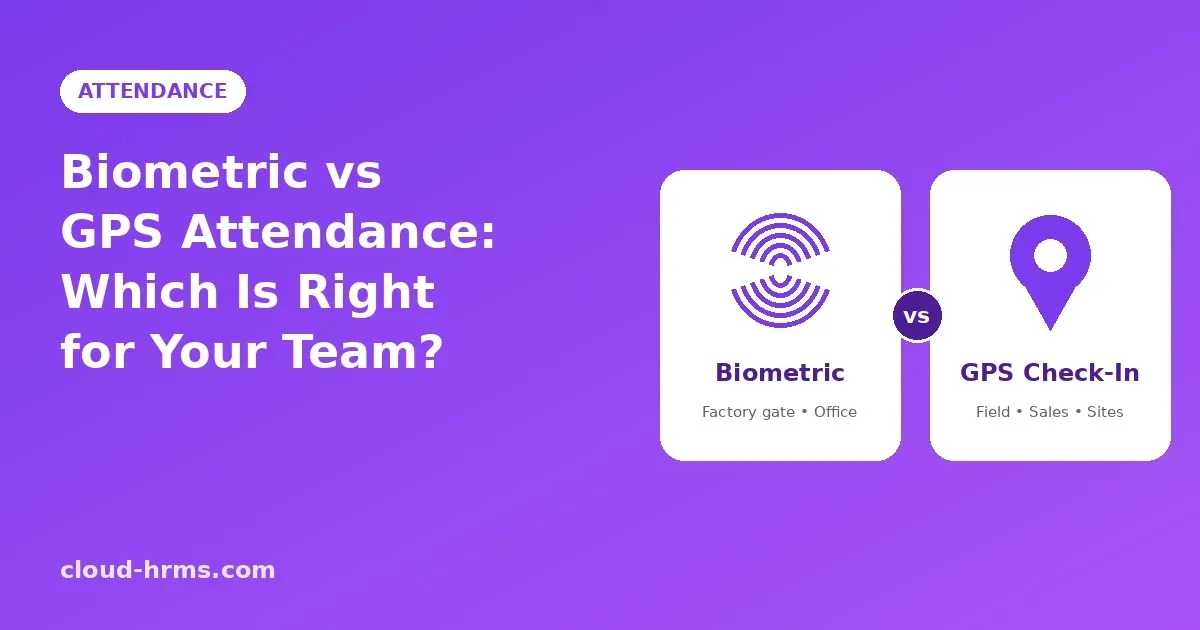
Today most businesses choose between two main methods: biometric machines and mobile GPS check-in. Both work well, but for different kinds of teams.
Biometric attendance
A biometric machine identifies employees by fingerprint, face or card when they arrive and leave.
Best for:
Strengths:
Limitations:
GPS attendance
With GPS attendance, employees check in from a mobile app. A geofence (a virtual boundary around a location) makes sure the check-in is only accepted when the employee is actually at the allowed site.
Best for:
Strengths:
Limitations:
Why most businesses need both
In practice, very few businesses are only one type. A textile company may have hundreds of workers at the mill gate, plus a sales team visiting buyers and a few managers travelling between units. A school has teachers on campus and drivers on the road.
The best setup is usually a combination: biometric machines where people arrive at a fixed place, and GPS check-in for everyone who works on the move, with all attendance landing in one system so payroll sees a single, clean record.
Questions to ask before choosing
Where do your employees actually start their day: at one gate, several branches, or in the field?
Do all employees have smartphones?
Do you already have biometric machines that you want to keep using?
Does your HR software combine both sources automatically, or will someone still merge them by hand?
How Cloud HRMS handles attendance
Cloud HRMS connects directly with ZKTeco biometric machines and also offers GPS geofenced check-in through its Android and iOS app. Both sources flow into the same attendance record, which is then used for late deductions, overtime, leave and payroll automatically. Employees can even mark attendance with a voice command in Urdu or English.
Not sure which setup fits your business?
Book a free demo and our Faisalabad team will help you plan the optimal attendance infrastructure for your staff.